An AI hallucination is an answer that sounds right and isn't.
A fake source. A date that never happened. A feature the app doesn't have. All delivered in the same calm, confident tone as the correct answers.
That's the real problem. Confidence tells you nothing about accuracy. So you need a way to check.
What is an AI hallucination?
OpenAI defines hallucinations as "plausible but false statements generated by language models". Google warns that its own Gemini apps can present inaccurate information as fact.
They show up in a few typical forms:
- A made-up fact. A wrong number, name or date.
- A fake source. A study, article or link that doesn't exist.
- A wrong summary. The document says one thing, the summary says another.
- An invented feature. "Click Export in the settings menu." There is no such button.
- A confident calculation error. Neatly formatted, slightly wrong.
The last three are the expensive ones in a business. They end up in reports, emails and decisions.
Why do language models make things up?
Three reasons, and none of them is "the AI is lying".
- It predicts, it doesn't look up. A model generates the most likely next words. For common knowledge that works well. For rare, one-off facts, like a specific person's birthday, there's no pattern to predict from.
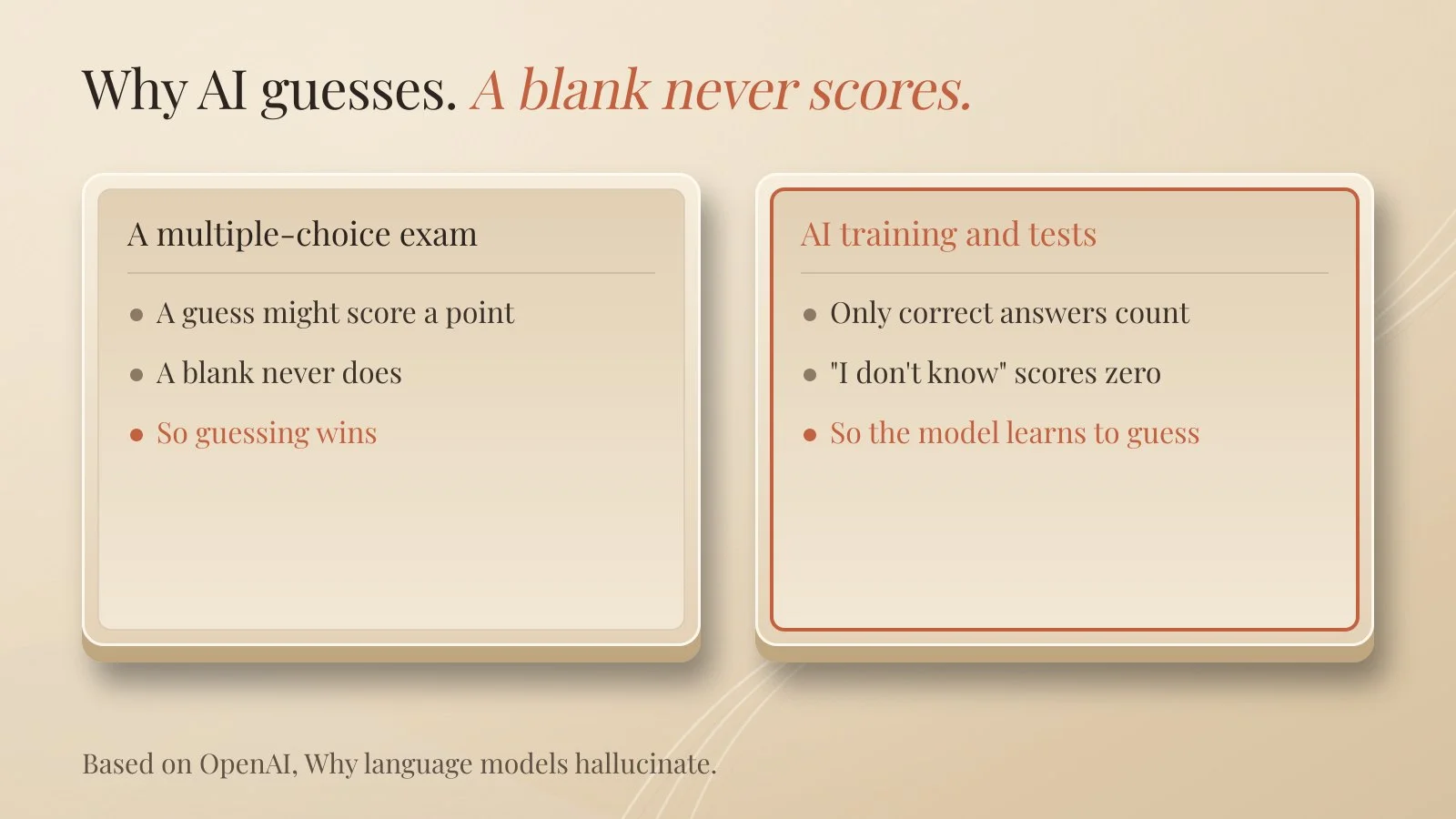
- Guessing gets rewarded. OpenAI explains it with a multiple-choice exam. A guess might score a point. A blank never does. When tests only count correct answers, models learn to guess instead of saying "I don't know".
- Gaps get filled, not flagged. If you don't give the model the information it needs, it fills the hole with something plausible.
Do newer models still hallucinate?
Yes. Less on many tasks, but not zero.
OpenAI published a telling comparison on a fact-question test called SimpleQA. One newer model, gpt-5-thinking-mini, declined to answer 52% of the time, got 22% right and 26% wrong. An older model, o4-mini, almost never declined (1%), got 24% right, and was wrong 75% of the time.
The older model looks slightly more accurate. It also makes three times as many confident mistakes. A model that's allowed to say "I don't know" is often the safer one.
How do you catch a hallucination?
This is a made-up example. Not a client and not my own business.
A small architecture office asks an AI to summarise new building regulations for a client presentation. The summary is clear and well written. It also mentions a rule about window sizes that isn't in the regulation at all.
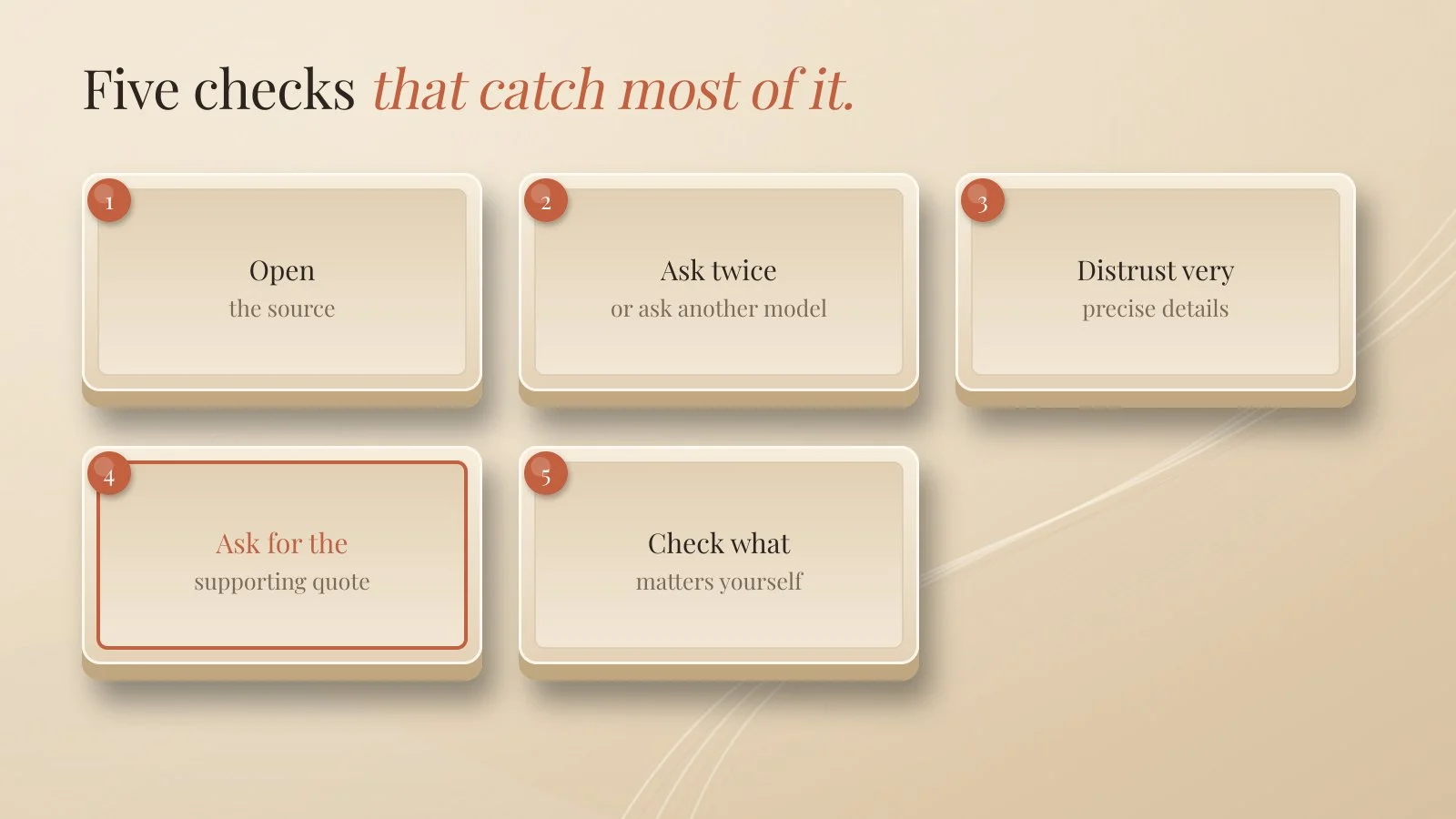
Five checks would have caught it:
- Open the source. If the AI names a document, link or study, click it. Does it exist? Does it say that?
- Ask twice, or ask a second model. Real facts tend to come back the same. Invented ones shift.
- Be suspicious of very precise details. Exact numbers, dates and quotes sound credible. That's exactly why made-up answers are full of them.
- Ask for the supporting quote. Paste the document and ask the AI to quote the sentence behind each claim. No quote, no claim.
- Check what really matters yourself. Money, health, law, contracts and your reputation always get a human check.
Which prompt reduces hallucinations?
One that gives the AI permission not to know, and makes it show its evidence.
Use only the documents below. If the answer isn't in them, say "I don't have enough information." For every claim, quote the sentence that supports it. Remove any claim you can't support.
Anthropic's guidance on reducing hallucinations recommends the same ideas: allow the model to say it doesn't know, and ground answers in direct quotes from your documents. It's also honest about the limit: these techniques reduce hallucinations but don't remove them completely. Always check critical information.
Web search helps too, but it can faithfully summarise a wrong web page. Open the links.
Quick answers
What causes AI hallucinations? Models predict likely text instead of looking facts up, and training rewards guessing over admitting uncertainty.
Can you stop AI from hallucinating? No, but you can reduce it a lot with source documents, permission to say "I don't know", and quote checks.
Are newer AI models more reliable? On many tasks, yes. But they still make confident mistakes, so checking stays necessary.
How do I know if an AI answer is made up? Open the source, ask again, and ask for the exact sentence that supports the claim.
The takeaway
Treat AI like a fast, well-read assistant who sometimes guesses.
Give it the source. Allow "I don't know". Ask for the quote.
And check anything that costs money or carries your name.
Further reading:
What Is RAG? Retrieval-Augmented Generation Explained and Write Content AI Search Engines Will Cite
About Me
I’m Laurent Terrijn, an entrepreneur and engineer. I see myself as a systems engineer and business builder: I build the systems businesses run on. I’m also a nerd who somehow ended up speaking ten languages. I love learning, and that curiosity pulled me deep into personal branding and artificial intelligence. On the side, explaining AI has become a passion project. I enjoy taking something that sounds complicated and making it simple enough for busy business people to understand. I do it out of curiosity, and because I like sharing what I find out.
Read more on www.laurentterrijn.com